Shipment transfer order
Tabel berikut menjelaskan proses transfer oder shipment:
PETUNJUK :
Langkah |
Kegiatan |
1 |
Pilih Inventory and warehouse management > Periodic > Transfer orders. |
2 |
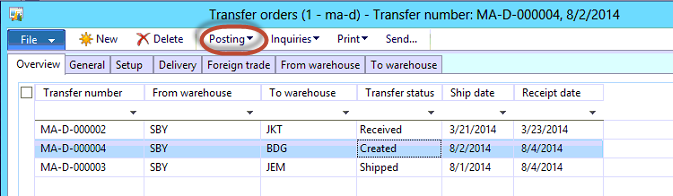
Muncul form berikut
|
3 |
Pilih transfer order yang sesuai |
4 |
Klik tombol Posting
|
5 |
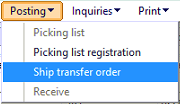
Pilih Ship transfer order |
6 |
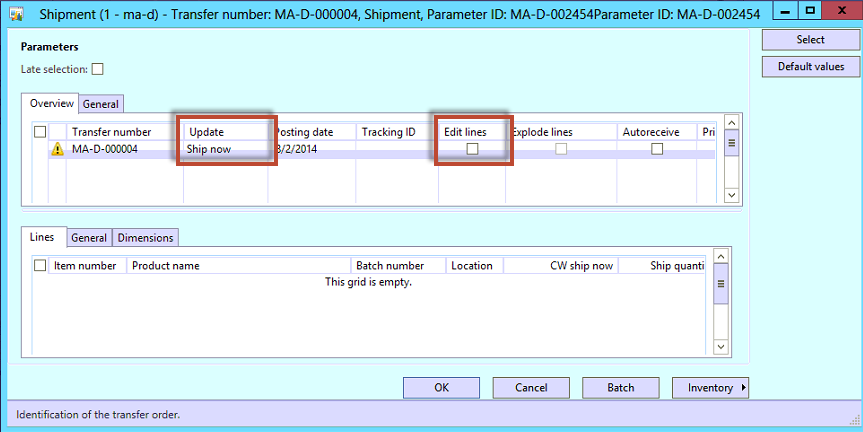
Muncul form berikut
|
7 |
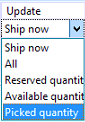
Pada kolom Update pilih Picked quantity
|
8 |
Centang kolom Edit lines |
9 |
Perhatikan Ship quantity sudah sesuai jumlahnya |
10 |
Klik tombol Ok |
|
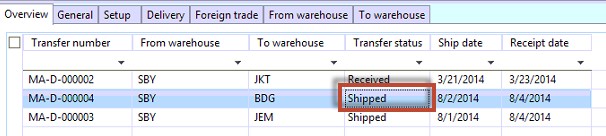
Status transfer order akan berubah menjadi Shipped
|
11 |
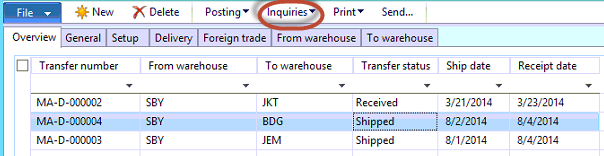
Untuk print transfer order klik Inquiries
|
12 |
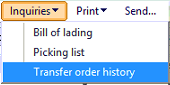
Pilih Transfer order history
|
13 |
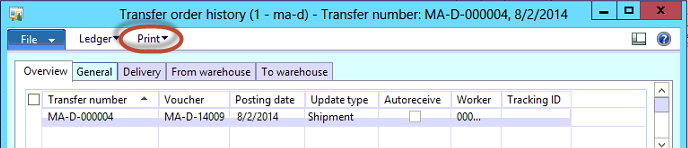
Muncul form berikut
|
14 |
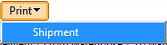
Klik tombol Print
|
15 |
Pilih Shipment |
16 |
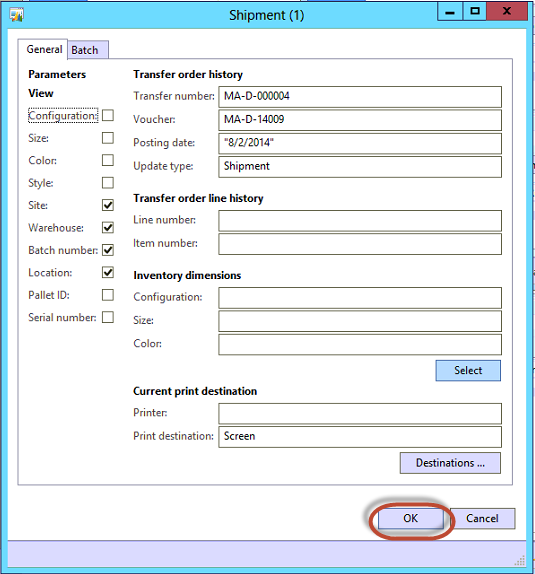
Muncul form berikut
|
17 |
Klik tombol Ok. |

Created with the Personal Edition of HelpNDoc: Qt Help documentation made easy